


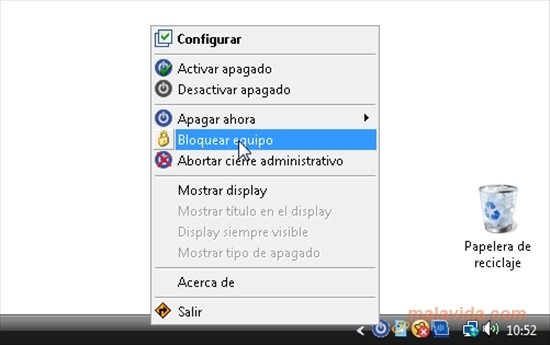
Automate when to turn off your computer
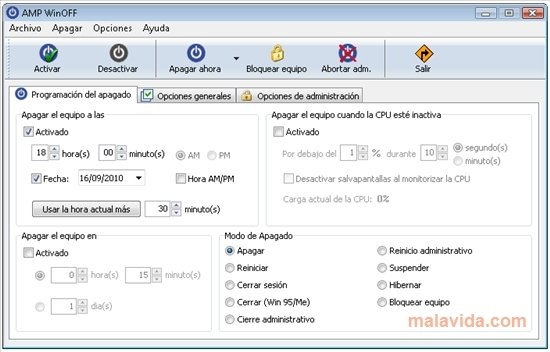
WinOFF allows us to automatically turn our PC off and with a really easy and powerful configuration. On many occasions we leave the computer turned on with a task running and even though the task takes very little time, until we return the PC awaits. This can overheat it and it keeps the components working longer, something that really doesn't contribute towards its maintenance.
Thanks to WinOFF we will be able to configure when any Windows computer turn off depending on a set of rules that we will set. Commonly the configurations is based on a timetable, because, it isn't a bad idea for the PC to automatically turn off once a certain time is reached (when it is time to go home, for example).
But WinOFF not only allows you to define when to turn it off based on the time, it will also offer the possibility to configure it depending on the processor's strain during a certain amount of time, for example, less than 5% of the use during 10 minutes would mean that we aren't working with it.
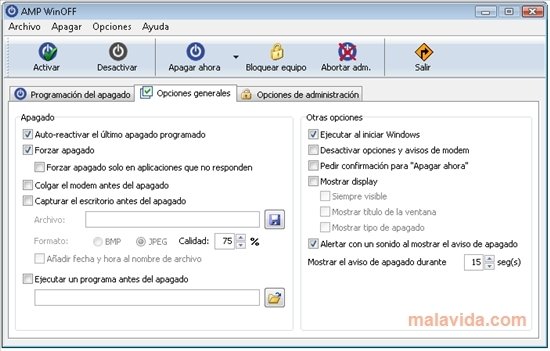
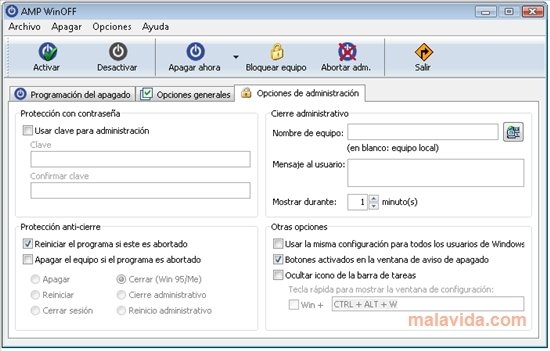
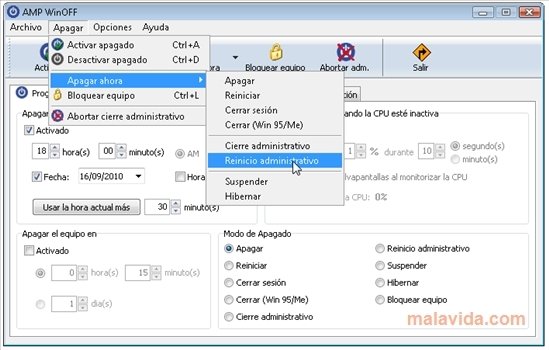
And of course, WinOFF is capable of automatically rebooting the computer, blocking it with a password and several other options that make this small tool one of the best utilities to install on your Windows.
 Leticia Sorivella
My name is Leticia. I really like movies, television, and music. That is why I studied Audiovisual Communication. In the beginning, I wanted to work in movies, but I ended up on television. Then, I went from being behind the cameras to being in...

Antony Peel